

Boardroom AV Installation in Sydney
Your boardroom shapes how clients see your business. Dodgy audio, wonky cameras, and tangled cables send the wrong message.
At Genconnect Technologies, we design, supply, and install boardroom AV Systems in Sydney that make every meeting seamless – whether you’re on Teams, Zoom, or bringing your own device.
From ceiling-mounted cameras with auto-framing to crystal-clear audio arrays, we handle the technical complexity so your meetings just work. Our certified Sydney technicians deliver clean installs with reliable connectivity and cable management that reflects well on your organisation.
Why Choose Genconnect Technologies
Genconnect Technologies delivers boardroom AV solutions in Sydney that prioritise reliability, clarity, and a seamless meeting experience without the technical hassle. With certified specialists managing every detail, your space gets a system that looks professional, performs flawlessly, and supports the way your business communicates.
Sydney specialists in boardroom and conference room AV
Certified Microsoft Teams & Zoom engineers
Clean installs with professional cable management
Fast local support with 4-hour response time
Future-proof solutions designed for your space
Your boardroom is the face of your business. We make sure it reflects professionalism and looks the part.
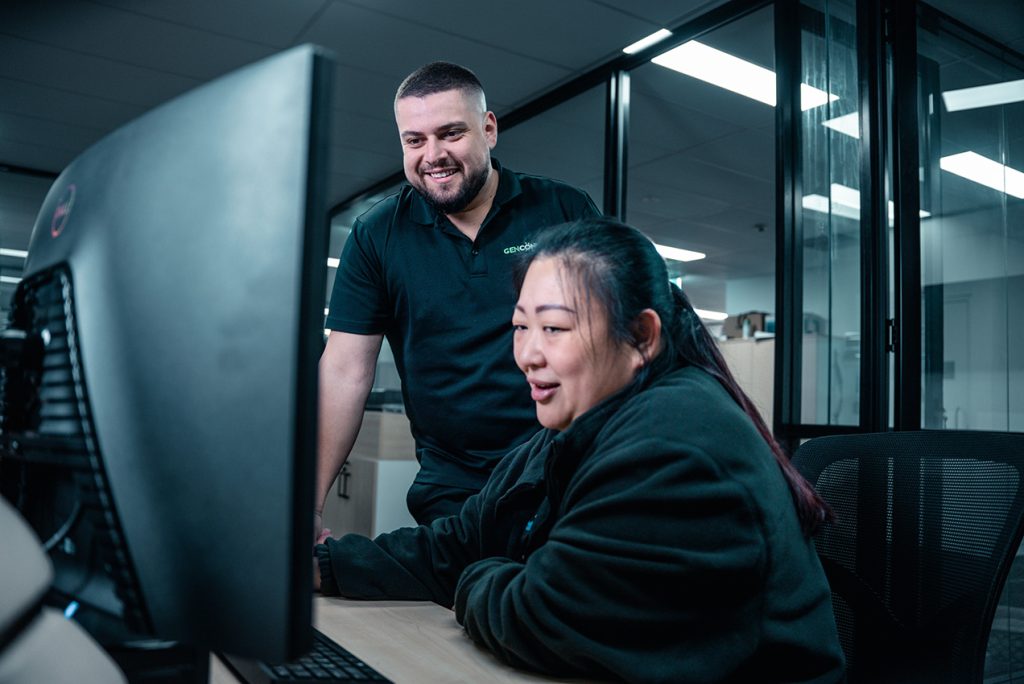
Expert Training for Seamless Operation
Every installation includes user training covering everything your team needs to run the system smoothly and confidently.
- Basic system operation and troubleshooting
- Platform-specific features (Teams/Zoom/BYOD)
- Best practices for video conferencing
- Escalation procedures for technical issues
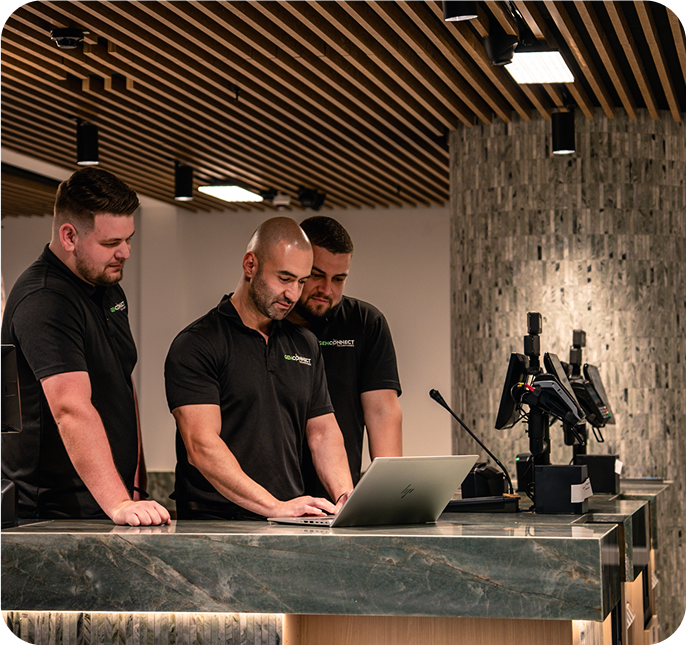
Warranty You Can Trust
Standard warranty:
Enjoy complete peace of mind with a 3-year, full-coverage warranty that protects both your hardware and the entire installation workmanship, ensuring long-term reliability with zero hidden surprises.
Extended options:
Upgrade to an extended 5-year warranty for added confidence, including priority on-site support, faster issue resolution, and ongoing protection for your boardroom setup.
Response times:
4-hour SLA during
Smart Boardroom AV Setup Recommendations
Every boardroom functions differently, so choosing the right AV setup depends on your room size, layout, and meeting style. Below are the configurations that consistently deliver the best clarity, performance, and user experience.
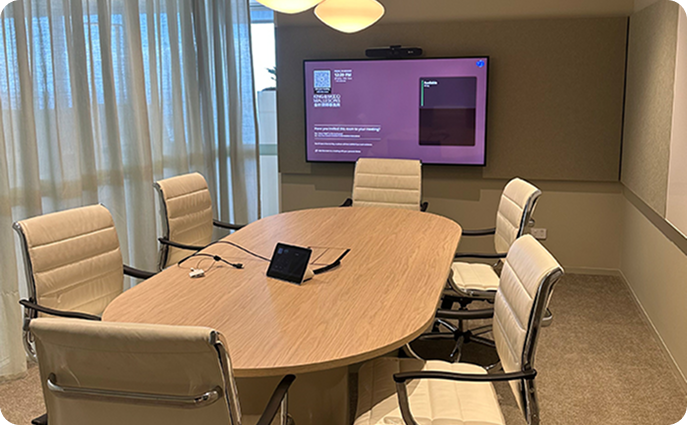
Small Boardrooms & Huddle Spaces (2–4 people)
- Single 55"–65" display
- Wall-mounted camera
- Table touch panel
- Simple HDMI/wireless content sharing
Medium Boardrooms (6–8 people)
- Single 65"–75" display
- Wall-mounted camera
- Table microphone + touch control
- Wired + wireless content sharing
Large Boardrooms (12+ people)
- Dual 75"–85" displays or ultra-wide screen
- Ceiling microphone arrays
- Advanced audio DSP for crystal-clear speech
- Integrated control system
Cameras & Framing
That Look Professional
We install cameras at eye level (1.2–1.5m) so remote participants feel like they’re sitting at the table.
Auto-framing technology
Adjusts as people join or leave.
Dual displays or 21:9 ultra-wide
Allow natural layouts with Microsoft Teams Front Row.
No awkward angles
No empty chairs, no “up-the-nose webcam shots.
Crystal-Clear Audio
That Just Works
AtGenconnect Technologies, we understand that hard surfaces like glass tables and windows bounce sound and create echo. We recommend:
- Soft furnishings & wall panels
- Acoustic ceiling tiles
- Timber tables instead of glass
These simple fixes dramatically improve audio clarity and professionalism.
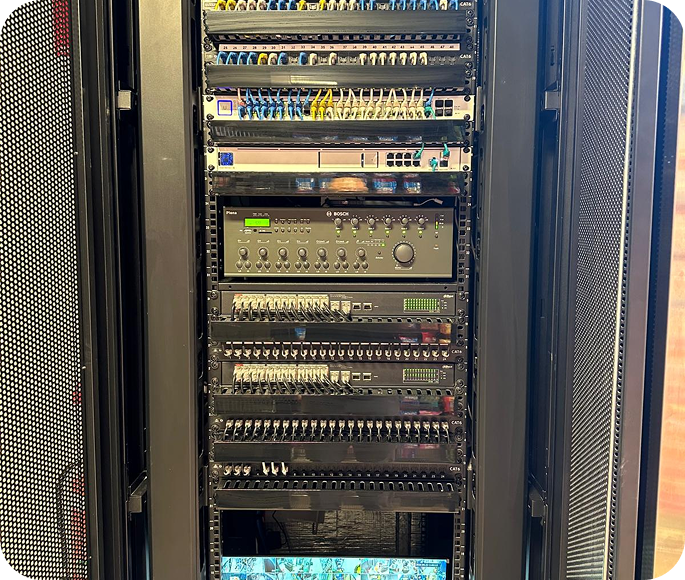
The Installation Process
A smooth AV setup begins with proper planning and clear communication. Our streamlined process ensures your boardroom is delivered on time, fully tested, and ready for seamless use.
Site Survey (Week 1)
Assess your space and requirements.
Design & Approval (Week 2-3)
We present layouts and hardware.
Installation (Week 4-6)
Pre-wiring, mounting, and system testing.
Training & Handover
Your team learns how to use the system from day one.
Typical project timelines:
2–6 weeks depending on room size and complexity.
Frequently Asked Questions
What’s the best AV setup for a boardroom?
It depends on size. Small rooms need a single display and camera, while larger boardrooms benefit from dual displays, ceiling microphones, and advanced audio.
Should I choose dual displays or an ultra-wide screen?
Dual displays are best for seating around a table. Ultra-wide displays work for Teams Front Row layouts in larger rooms.
How do I ensure clear audio in a boardroom?
Use ceiling microphone arrays, DSP, and properly placed speakers. This eliminates echo and ensures every participant is heard.
How long does a boardroom AV installation take in Sydney?
Most installations take 2–6 weeks, depending on complexity.
Why choose Genconnect Technologies as my AV specialist?
We’re Sydney’s boardroom AV experts, certified in Microsoft Teams and Zoom, with a track record of clean installs and fast support.
Ready to Transform Your
Boardroom?
Get a tailored AV solution that makes your meetings seamless and professional.
- Local Sydney Team
- Guaranteed Professionalism
- Certified AV Specialists